
Responsive site design
Structure sections, navigation and animation around readable content and usable narrow-screen layouts.
Who will edit and publish the website?
Framer can pair visual design with a hosted website workflow. Assess publishing, content maintenance and platform dependencies early, especially when future migration or application functionality is part of the plan.
Plan your Framer projectStructure sections, navigation and animation around readable content and usable narrow-screen layouts.
Define editorial ownership, form destinations and the handling of submitted information.
Agree account, domain and publishing responsibilities; verify export and migration constraints before relying on portability.
Framer marketing websites with editable content, responsive presentation and clear hosted-platform ownership.
Who will edit and publish the website? Does the site need custom application behavior beyond platform capabilities? What must remain portable if the hosting approach changes?
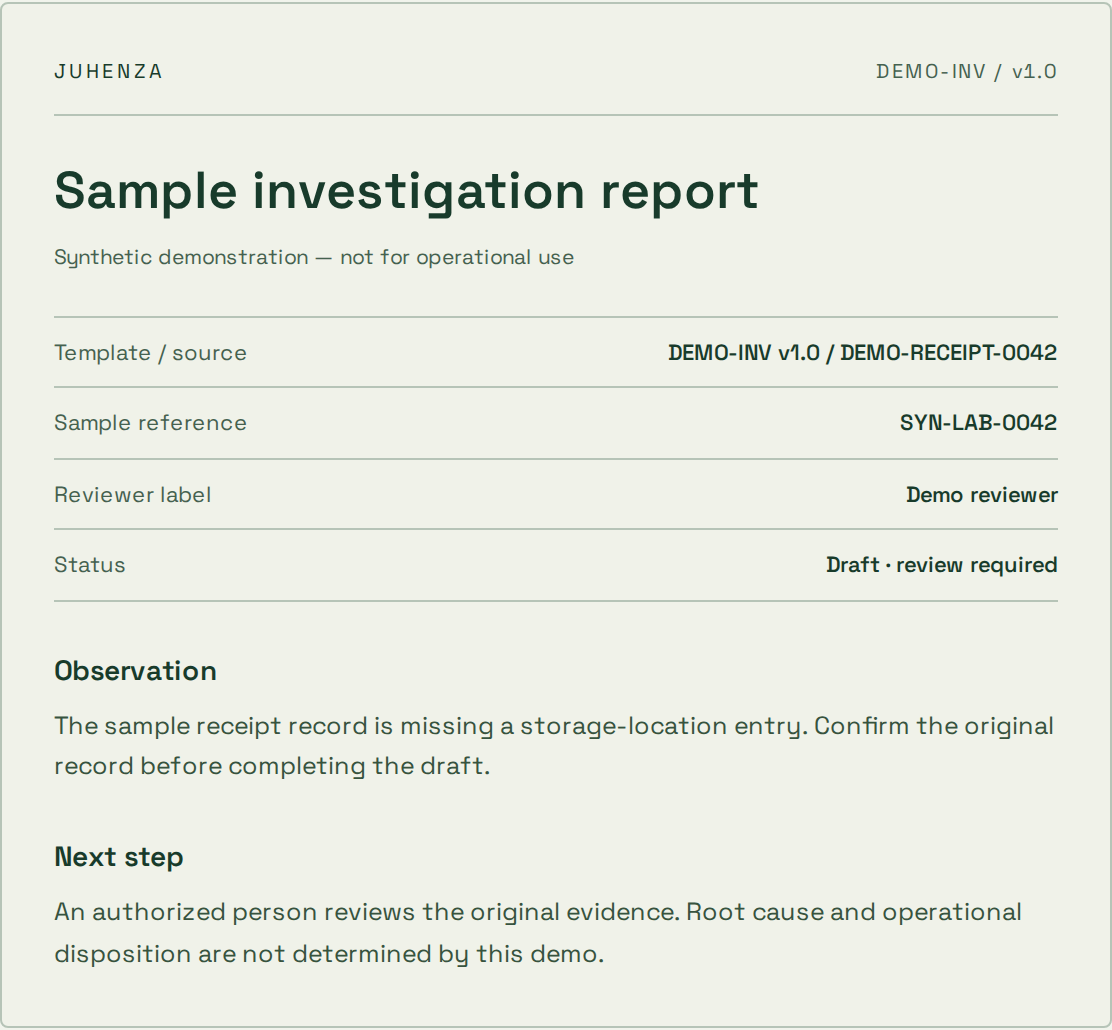
Edit an observation. Inspect the generated draft. Confirm your sample review before exporting a PDF.
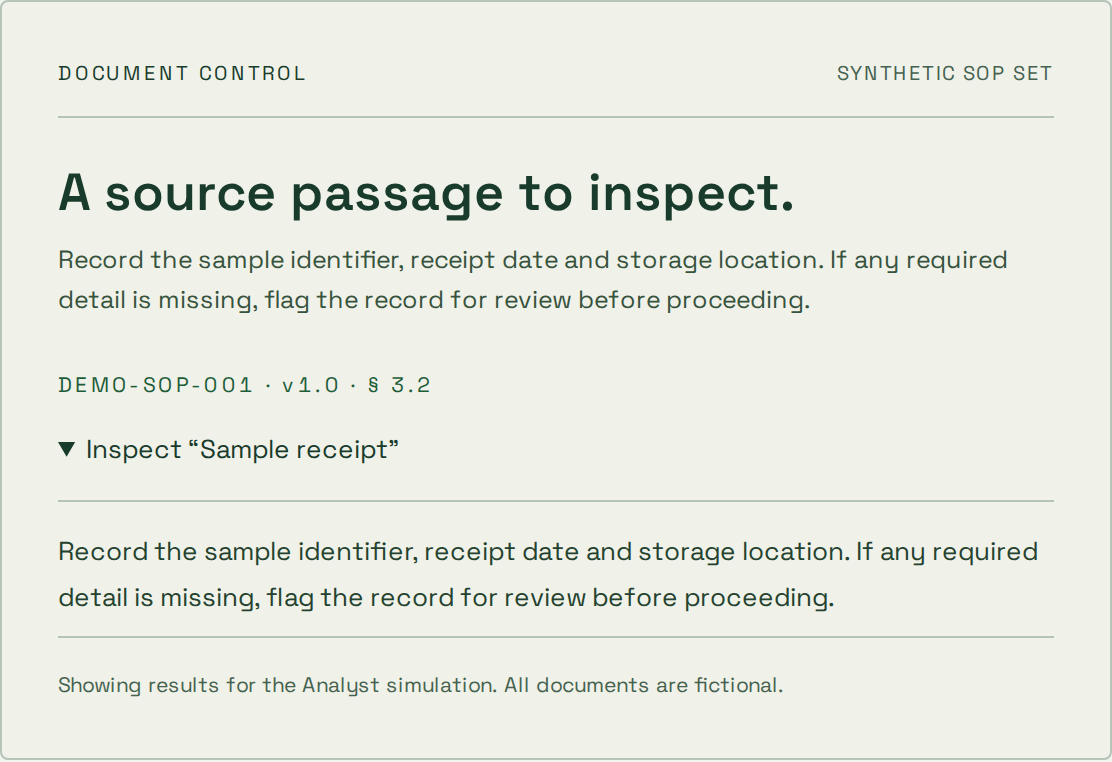
Explore a synthetic SOP library and inspect the source passage. Try a restricted role or an unsupported question.
The problem is clear, but the approach is not.
A bounded experiment, findings and a recommendation on what to validate next.
A prototype is not a production-ready service.
You know the workflow and can agree acceptance checks.
Agreed deliverables, verification evidence and operating instructions for the scoped release.
Changes to scope need an explicit decision on cost and timing.
A live system needs focused changes or ongoing care.
A prioritized backlog, reviewed changes and an agreed maintenance or support boundary.
Coverage, response targets and access are agreed per engagement.
Structure sections, navigation and animation around readable content and usable narrow-screen layouts.
Define editorial ownership, form destinations and the handling of submitted information.
Agree account, domain and publishing responsibilities; verify export and migration constraints before relying on portability.
Practical answers before the build. Bring the details of your project to the conversation.
Framer marketing websites with editable content, responsive presentation and clear hosted-platform ownership. The scope can include responsive site design, content and forms, platform ownership. Deliverables depend on the agreed workflow and existing systems.
Teams evaluating a visually managed marketing site with an agreed hosted publishing workflow.
Bring the workflow, user roles, existing systems and anonymized examples. Who will edit and publish the website? Start with a local project brief and share it when you are ready.
The estimate depends on the workflows, integrations, data, review requirements and operating responsibilities. These are agreed for the individual project. A planning brief does not book work or establish a delivery commitment.
Bring the problem you want solved. We’ll shape it into a project brief you can keep — or let AI draft a first approach.