
File inventory
Identify source documents, linked assets, fonts and prototype interactions that must be preserved.
Can the team access the editable source and linked assets?
An existing Adobe XD file can contain valuable decisions and reusable assets. Begin by checking access and file completeness, then decide what to preserve, document or transfer into the team's chosen design workflow.
Plan your Adobe XD projectIdentify source documents, linked assets, fonts and prototype interactions that must be preserved.
Document responsive behavior and missing interface states before development or migration.
Compare transferred components and assets against the original and record interactions that need rebuilding.
Existing Adobe XD design review, asset handoff and migration planning for ongoing product work.
Can the team access the editable source and linked assets? Which prototype interactions need to be retained? What design tool will own future changes?
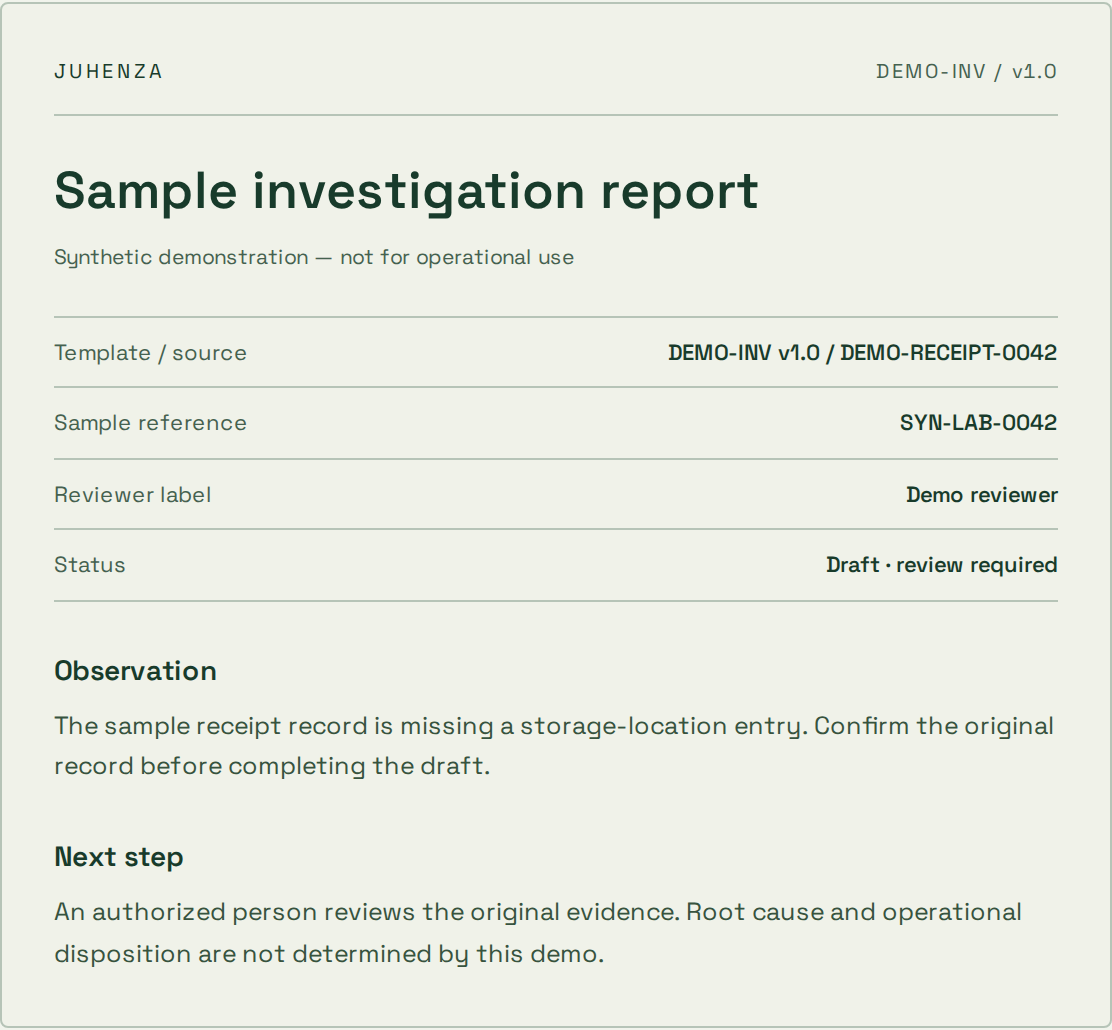
Edit an observation. Inspect the generated draft. Confirm your sample review before exporting a PDF.
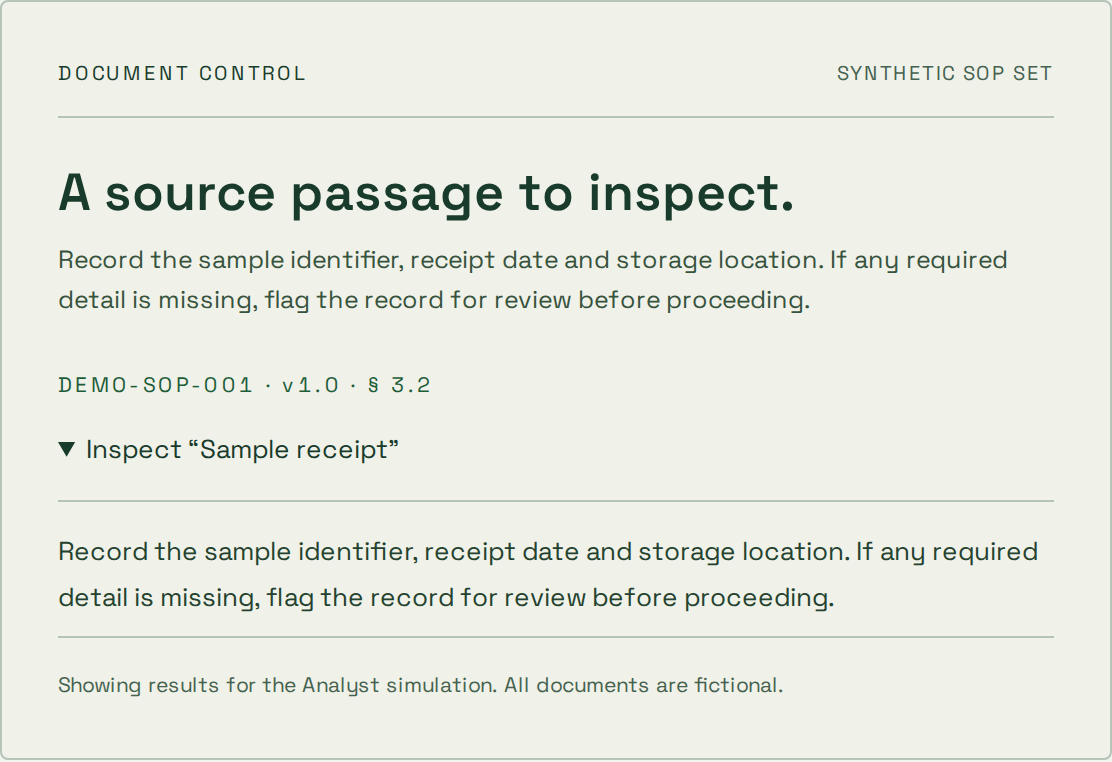
Explore a synthetic SOP library and inspect the source passage. Try a restricted role or an unsupported question.
The problem is clear, but the approach is not.
A bounded experiment, findings and a recommendation on what to validate next.
A prototype is not a production-ready service.
You know the workflow and can agree acceptance checks.
Agreed deliverables, verification evidence and operating instructions for the scoped release.
Changes to scope need an explicit decision on cost and timing.
A live system needs focused changes or ongoing care.
A prioritized backlog, reviewed changes and an agreed maintenance or support boundary.
Coverage, response targets and access are agreed per engagement.
Identify source documents, linked assets, fonts and prototype interactions that must be preserved.
Document responsive behavior and missing interface states before development or migration.
Compare transferred components and assets against the original and record interactions that need rebuilding.
Practical answers before the build. Bring the details of your project to the conversation.
Existing Adobe XD design review, asset handoff and migration planning for ongoing product work. The scope can include file inventory, design interpretation, migration validation. Deliverables depend on the agreed workflow and existing systems.
Teams with existing Adobe XD designs that need handoff, implementation clarification or migration.
Bring the workflow, user roles, existing systems and anonymized examples. Can the team access the editable source and linked assets? Start with a local project brief and share it when you are ready.
The estimate depends on the workflows, integrations, data, review requirements and operating responsibilities. These are agreed for the individual project. A planning brief does not book work or establish a delivery commitment.
Bring the problem you want solved. We’ll shape it into a project brief you can keep — or let AI draft a first approach.